

From Velocity Measurement to Finished Flow Report
Flo-View is a complete flow measurement, calculation, profiling and reporting application for partially filled pipes and open-channel streams.
• Partially filled pipe flow calculations
• Stream flow using the Mid-Section Method
• Multiple velocity profiling methods
• Professional PDF reports
• Works on phones, tablets and computers
Works with Flo-Detector and Flo-Pro

MEASURE • CALCULATE • REPORT
One streamlined workflow from field velocity measurements to finished flow results.
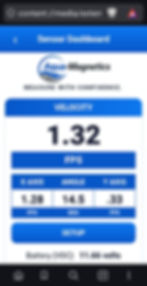


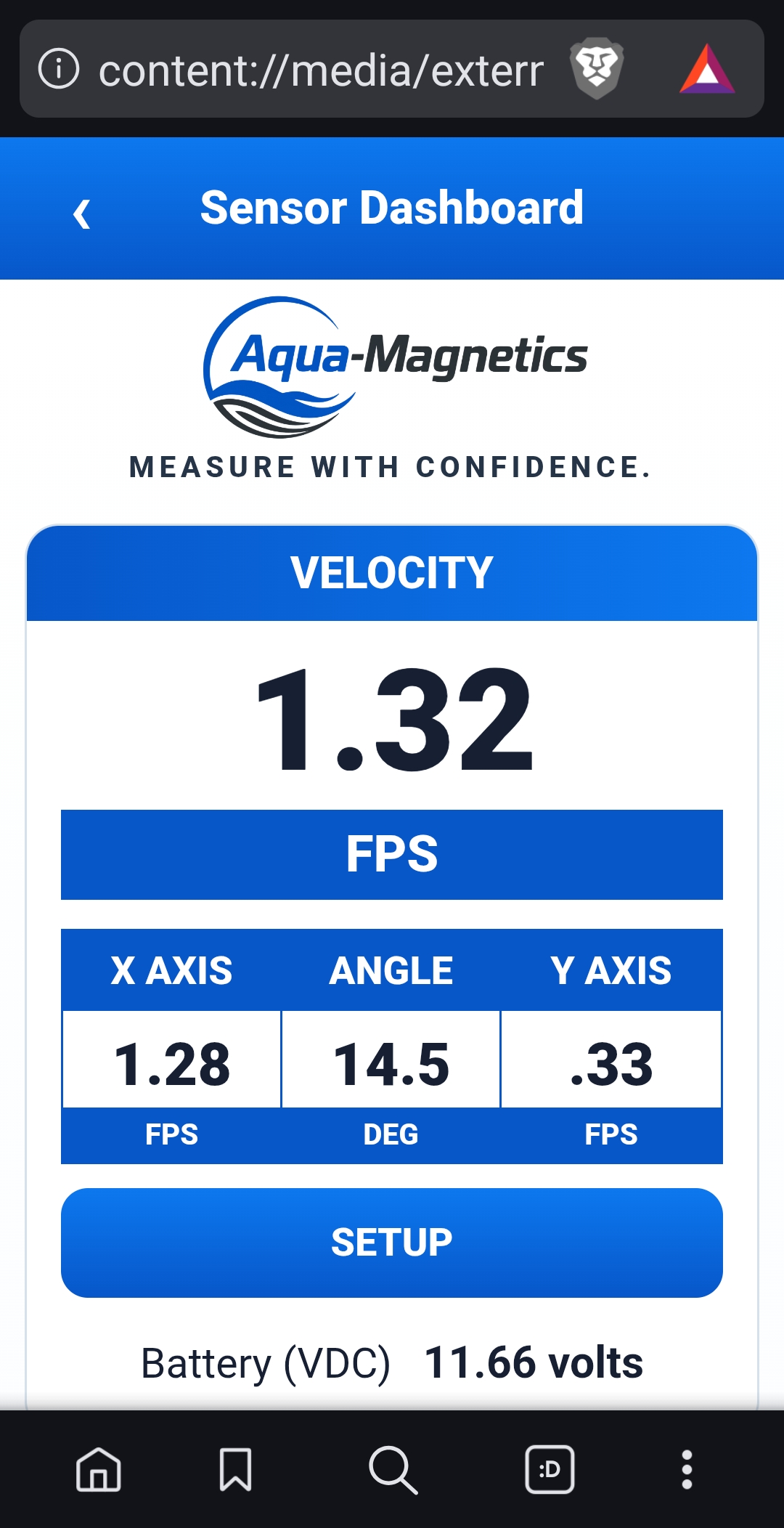
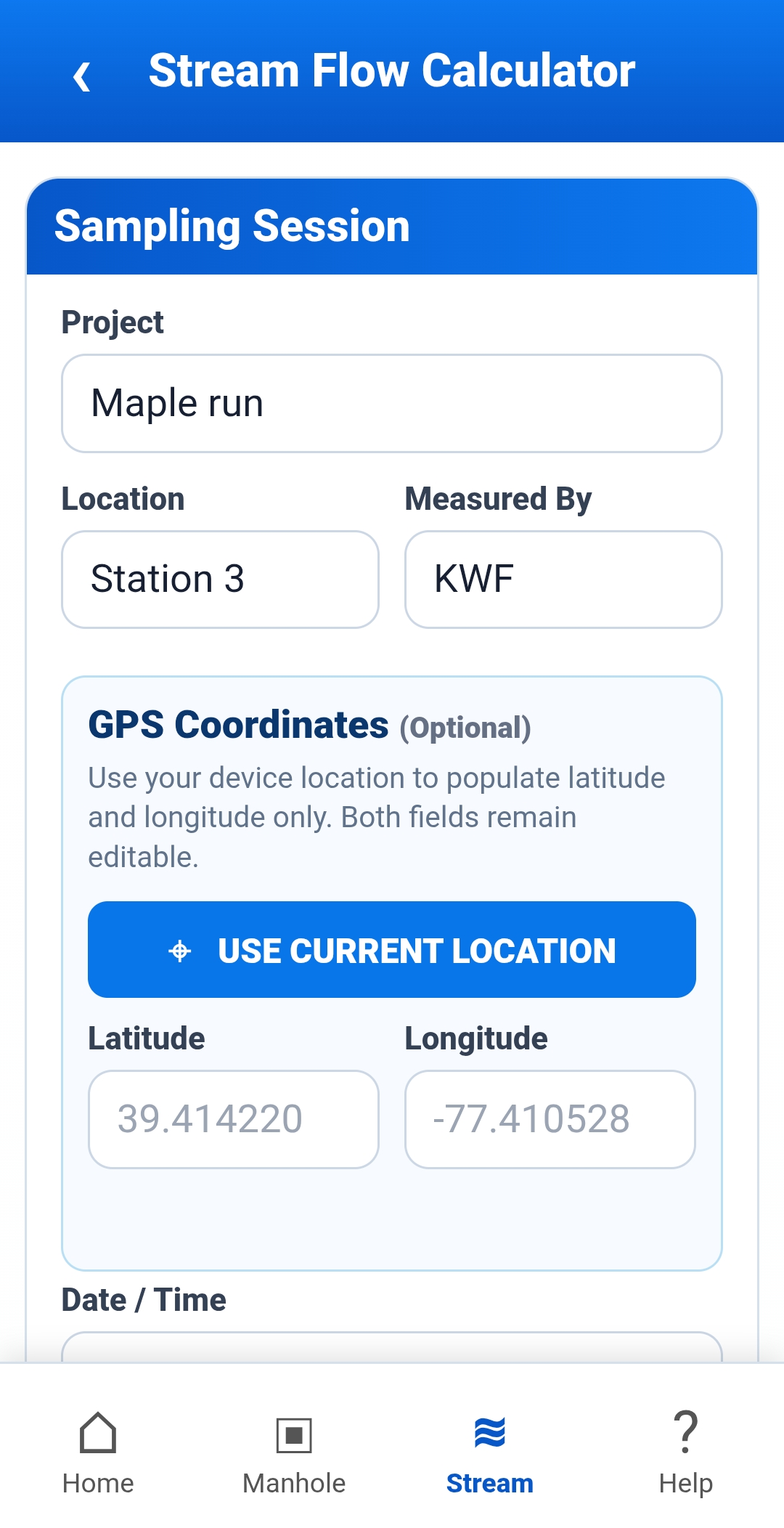
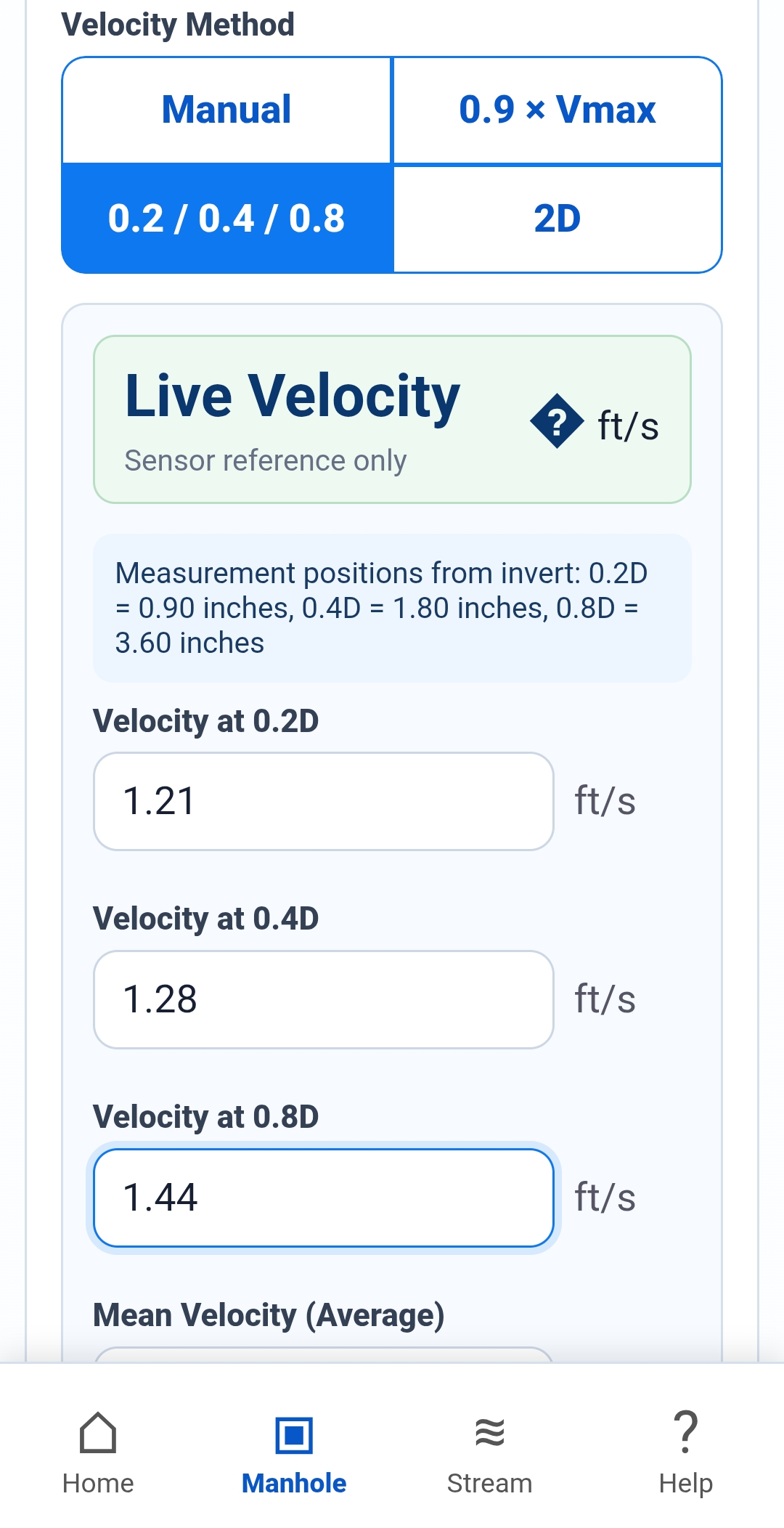
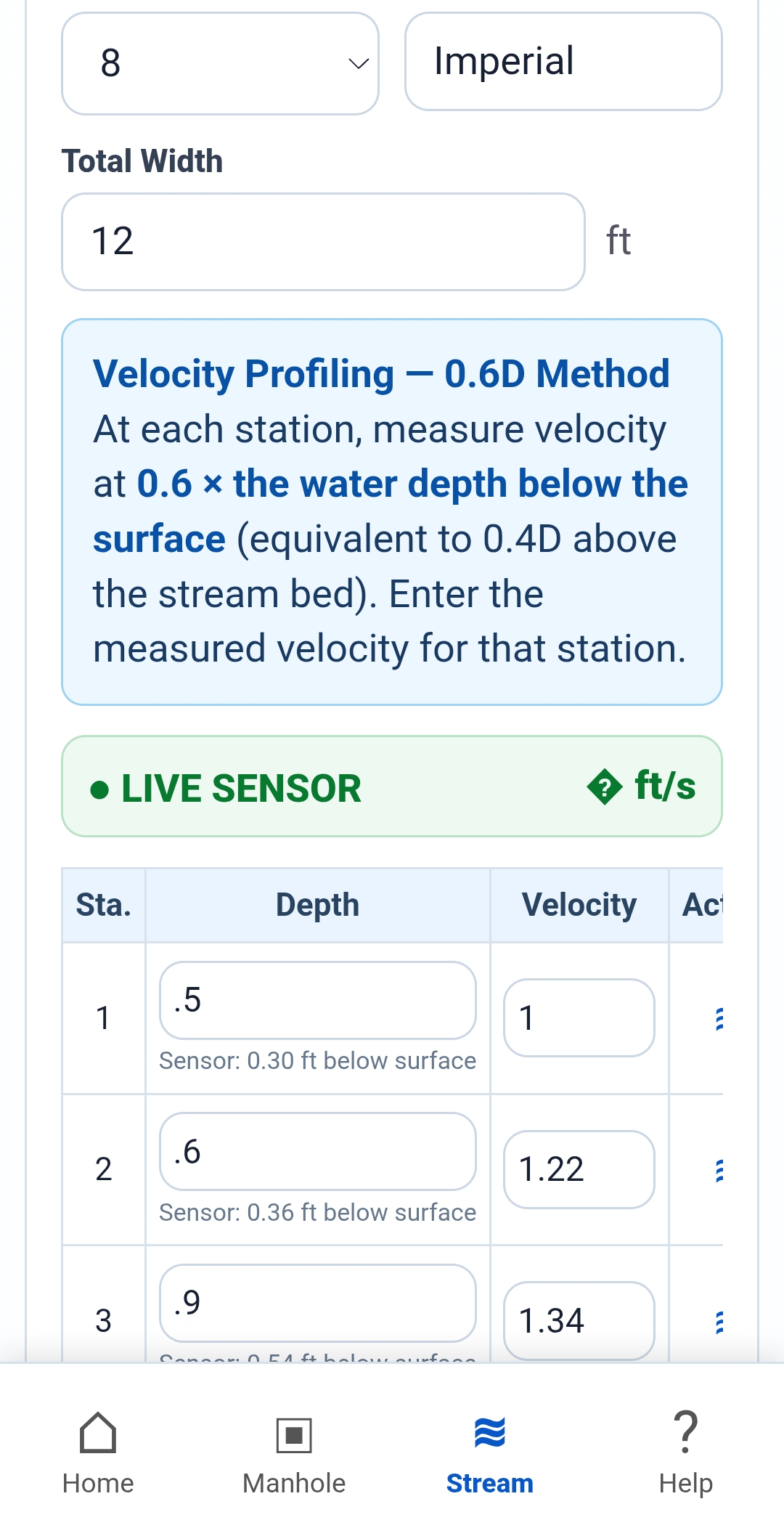
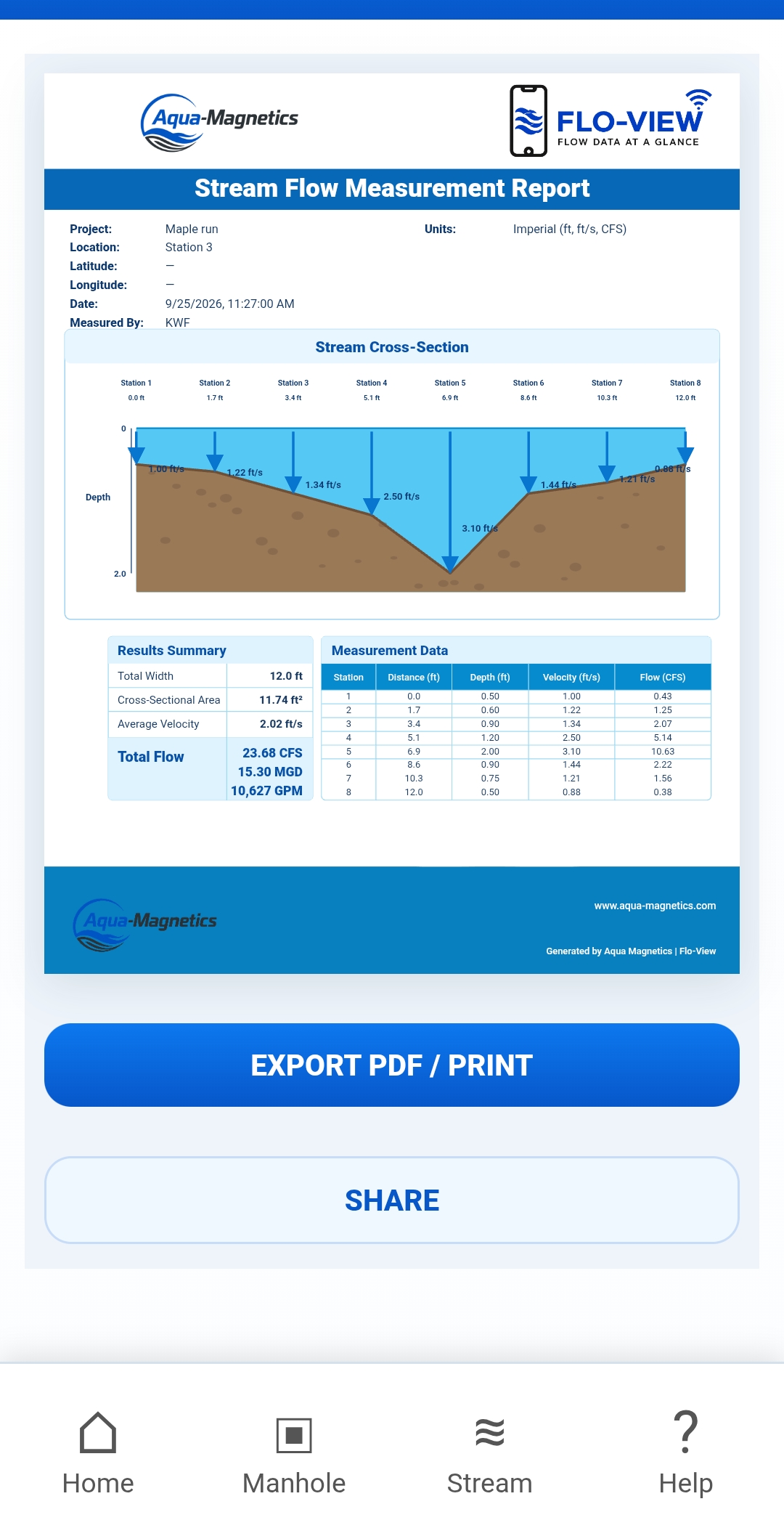
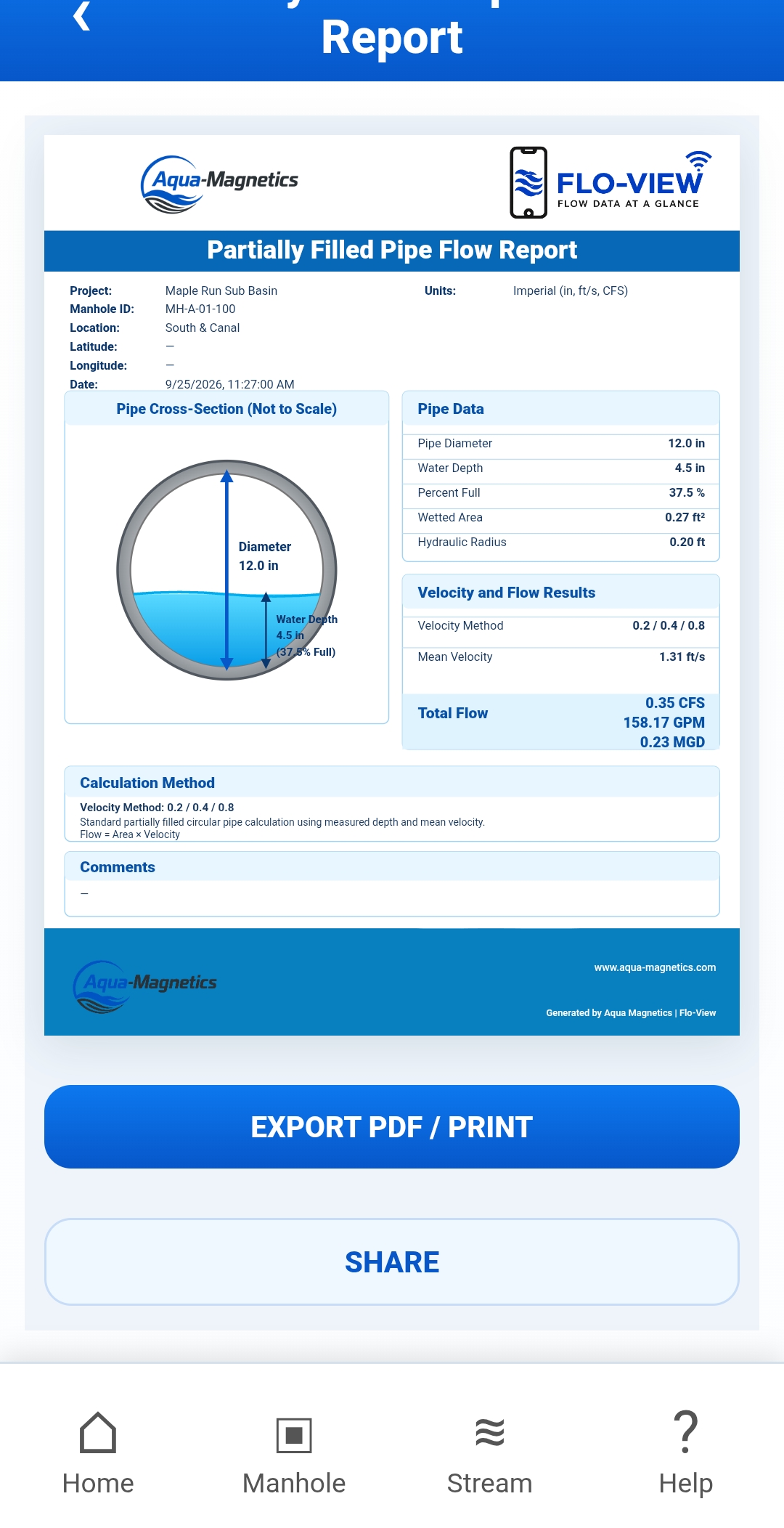
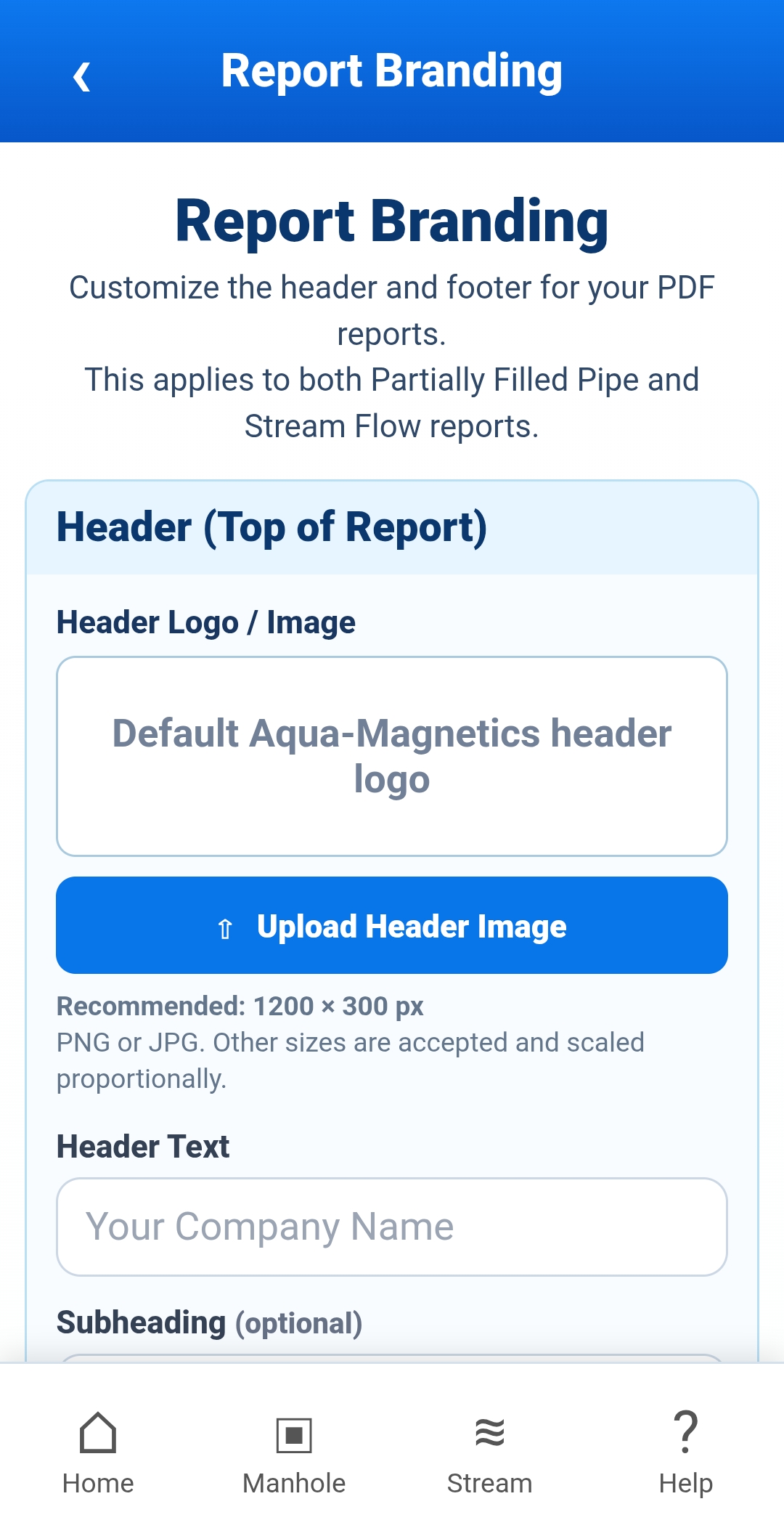
Click to View a Few of Flo-View's Screenshots
Access the Free Flo-View Demo
Enter your information below for immediate access to the interactive Flo-View demo.
No installation required. Demo measurement data is preset.
Your information will only be used by Aqua-Magnetics to provide demo access and follow-up information.

COMPLETE FLOW MEASUREMENT
PARTIALLY FILLED PIPES
Calculate flow in partially filled circular pipes using pipe diameter, water depth and measured velocity. Use multiple velocity measurement methods to determine mean velocity and flow.
OPEN-CHANNEL STREAMS
Perform stream flow measurements using the Mid-Section Method. Enter station width, depth and velocity measurements to calculate individual subsection and total discharge.
VELOCITY PROFILING
Support multiple velocity profiling methods for determining representative mean velocity from field measurements.
PROFESSIONAL REPORTING
Generate clear PDF reports containing measurement data, calculations, profiles and final flow results for documentation and project records.
Flo-Detector and Flo-Pro users can view live sensor velocity data directly in Flo-View through the instrument's Wi-Fi connection.
Two Ways to Use Flo-View
Flo-View works as both the companion application for Aqua-Magnetics instruments and as a standalone flow calculation and reporting tool.
One Flo-View workflow — from measured velocity to finished flow report.
WITH AQUA-MAGNETICS INSTRUMENTS
Connect directly to a Flo-Detector or Flo-Pro through Wi-Fi Direct. No cellular service, internet connection or external Wi-Fi network is required.
- View live velocity measurements
- View Flo-Detector X and Y velocity components and resultant velocity
- Access instrument setup and measurement functions
- Use live measurements in Flo-View calculations
- Calculate, profile and generate PDF reports in the field.
WITH OTHER FLOWMETERS
Flo-View Hosted can also be used with velocity measurements collected from other flowmeters. Manually enter your measured velocity data and use Flo-View's calculation, profiling and reporting tools.
- Enter velocity measurements manually
- Calculate partially filled pipe flow
- Perform Mid-Section Method stream measurements
- Use velocity profiling methods
- Generate professional PDF reports.
One Application. Two Aqua-Magnetics Instruments.
Flo-View provides the wireless measurement interface for both Aqua-Magnetics flow measurement systems, with live velocity data available directly from the instrument.
Flo-Pro
Single-Axis In-Water Velocity
View live single-axis velocity measurements in real time while accessing instrument setup directly from your smartphone.